Overview
In this article, we will review adding adhoc tasks for residents.
Video
Accessing the Complete Assignment Management Page
On the Care Management Home page, click on the Go To dropdown in the top left and select the Complete Assignment Management option.

Enter an Adhoc Task
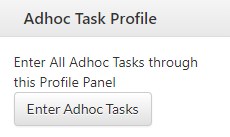
On the right side of the Complete Assignment Management page, click the Enter Adhoc Tasks button.
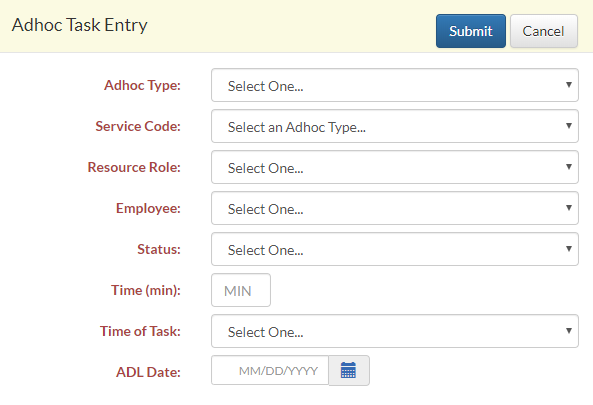
A modal window will appear. Choose an Adhoc Type (either Community Task or Resident Task). If Resident is chosen, a resident dropdown will appear, and a resident must be chosen. Fill out the remaining fields and click Submit in the top right corner to submit the Adhoc task.
Was this article helpful?
That’s Great!
Thank you for your feedback
Sorry! We couldn't be helpful
Thank you for your feedback
Feedback sent
We appreciate your effort and will try to fix the article