Overview
In this article, we will review how to select your role.
Select your Role Screen
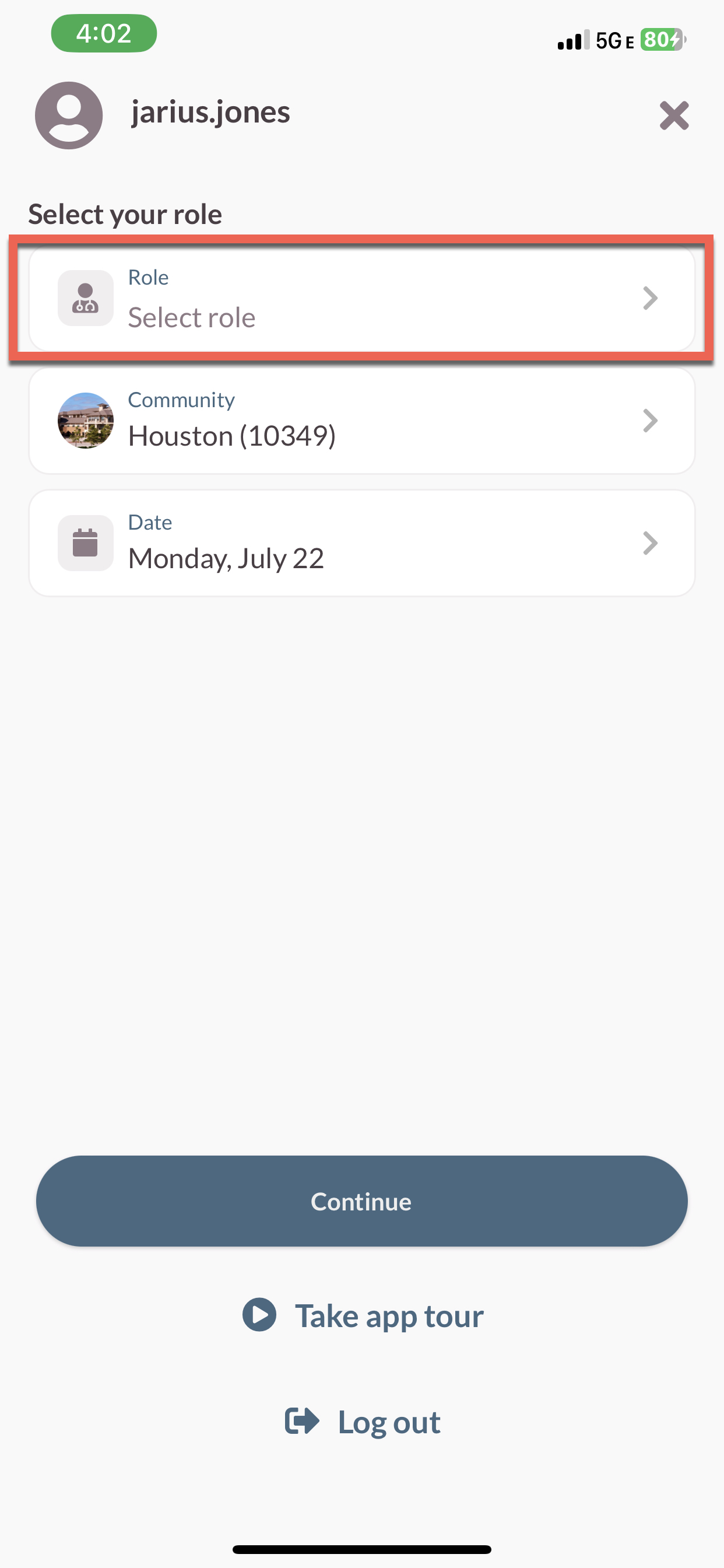
Step 1: Tap into the Role Field and select one or more roles from the list.
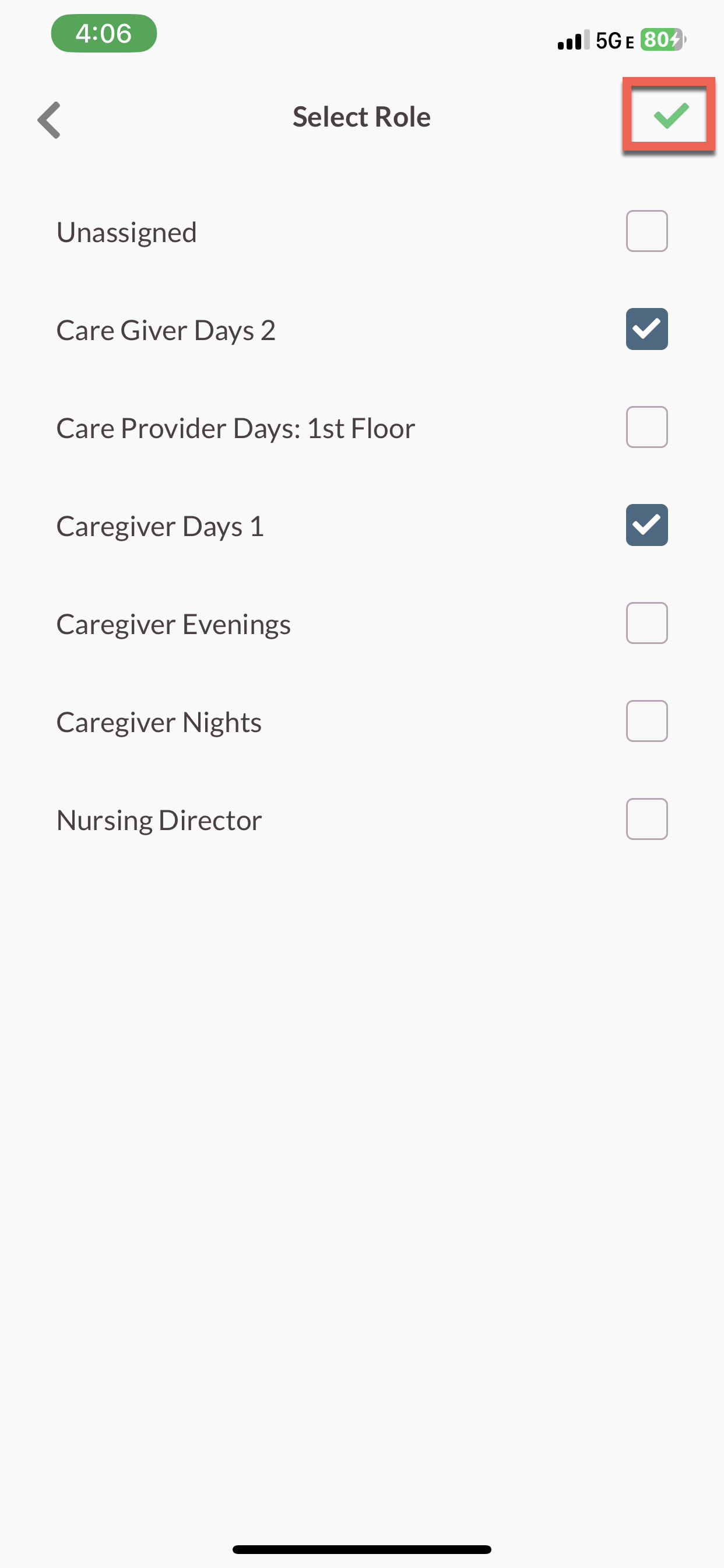
Step 2: Next, select the green checkmark at the top of the screen.
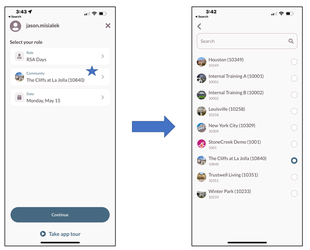
Step 3: Verify your community is listed in the Community Field. If it needs to be updated, tap into the field to select the correct community.
Note: If you update the community, you will have to reselect your role
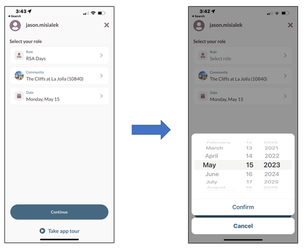
Step 4: Verify the correct date is selected. If you need to change the date, tap into the field, and use the date picker to select the correct date.
Step 5: Select the Continue button.
Was this article helpful?
That’s Great!
Thank you for your feedback
Sorry! We couldn't be helpful
Thank you for your feedback
Feedback sent
We appreciate your effort and will try to fix the article