Overview
In this article, we will provide you with an overview of the information that is available when viewing a Resident Profile through the Mobile Care Application.
Viewing a Residents Profile
Step 1: Log into the Mobile Care application by selecting the Mobile Care app logo on your device.
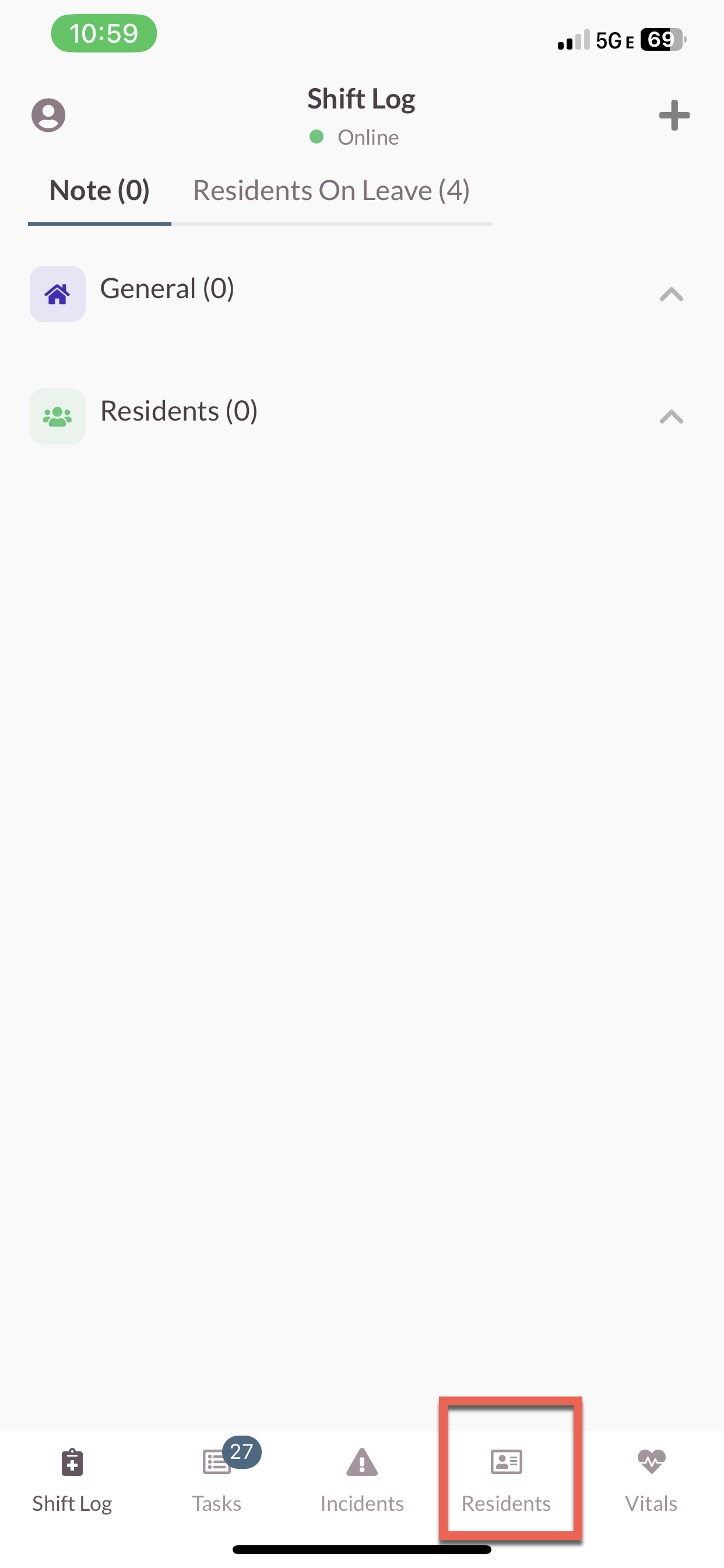
Step 2: Select the Residents tab on the bottom of the screen.
Step 3: Select the Resident you would like to view.
Information available on Resident Profiles
Each Resident will have unique needs, preferences, and interests, which means their profiles will be unique.
Note: Based on the individual needs of the resident, some profiles will display more information than others.
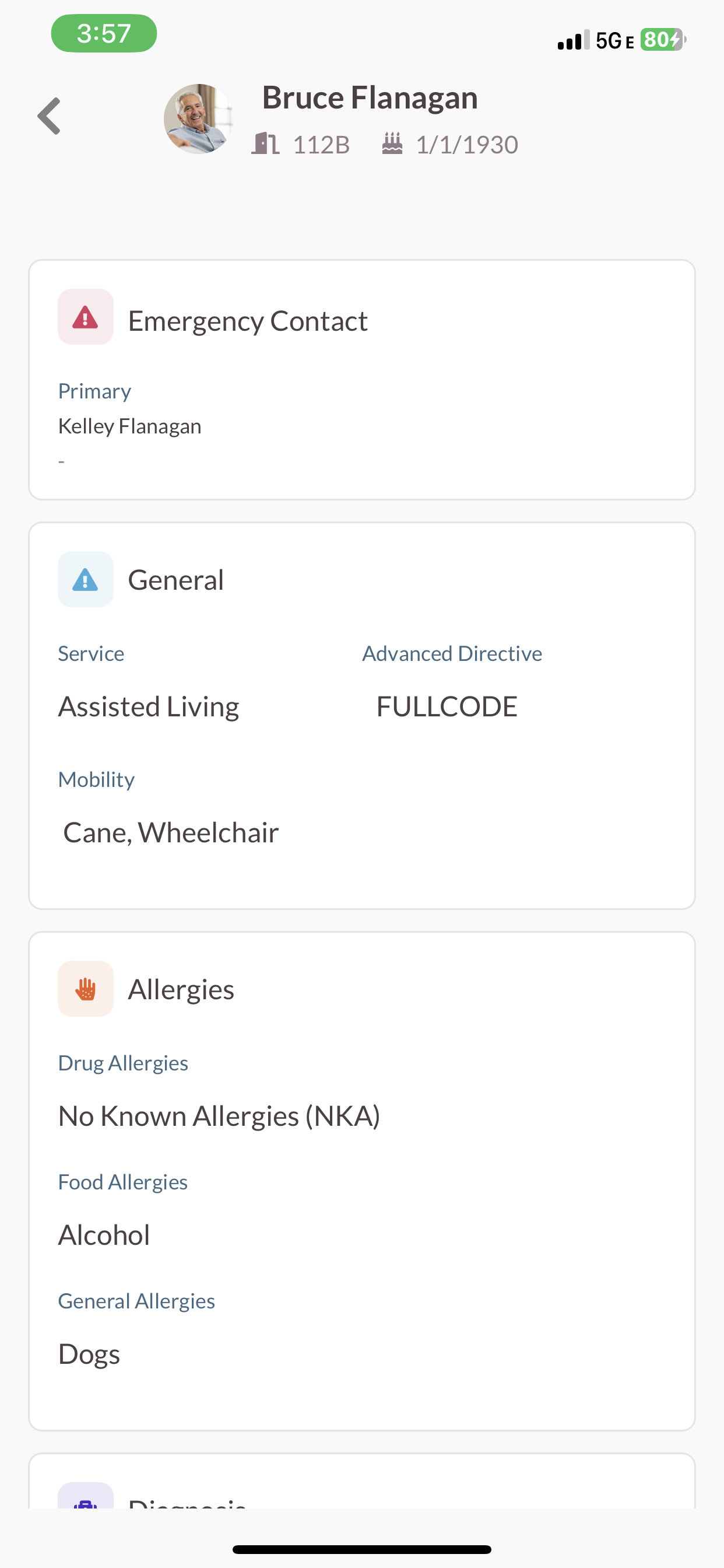
The Resident Profile in the Mobile Care Application will display the following:
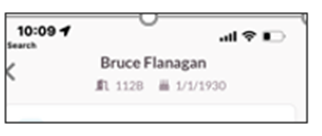
Residents Name
- Room Number
- Date of Birth
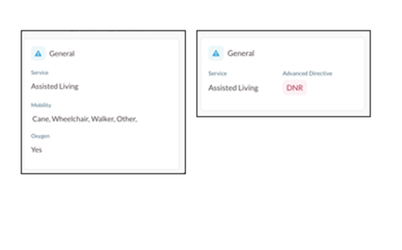
General Information
Service
- Assisted Living
- Skilled
- Memory Care
- Independent Living
- Advanced Directive
- DNR
- Full Code
Mobility
- Cane, Wheelchair, Walker, etc.
- Oxygen
- Is the Resident on Oxygen?
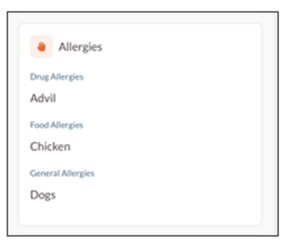
Allergies
- Drug Allergies
- Food Allergies
- General Allergies
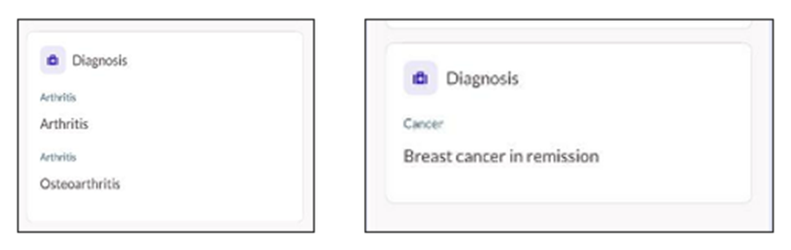
Diagnosis
- Arthritis
- Blood
- Cancer
- Gastrointestinal (GI)
- General Health
- Heart
- Lungs
- Mental Health
- Metabolic
- Skin
Was this article helpful?
That’s Great!
Thank you for your feedback
Sorry! We couldn't be helpful
Thank you for your feedback
Feedback sent
We appreciate your effort and will try to fix the article